Introduction
The Firestick remote is more than just a standard remote control; it is a gateway to optimizing your home entertainment system. One of its standout features is the volume control capability, which has become essential for achieving the perfect audio-visual experience. This guide is designed to help you unlock the full potential of your Firestick remote with volume control so you can enjoy your television time like never before.
Understanding Your Firestick Remote
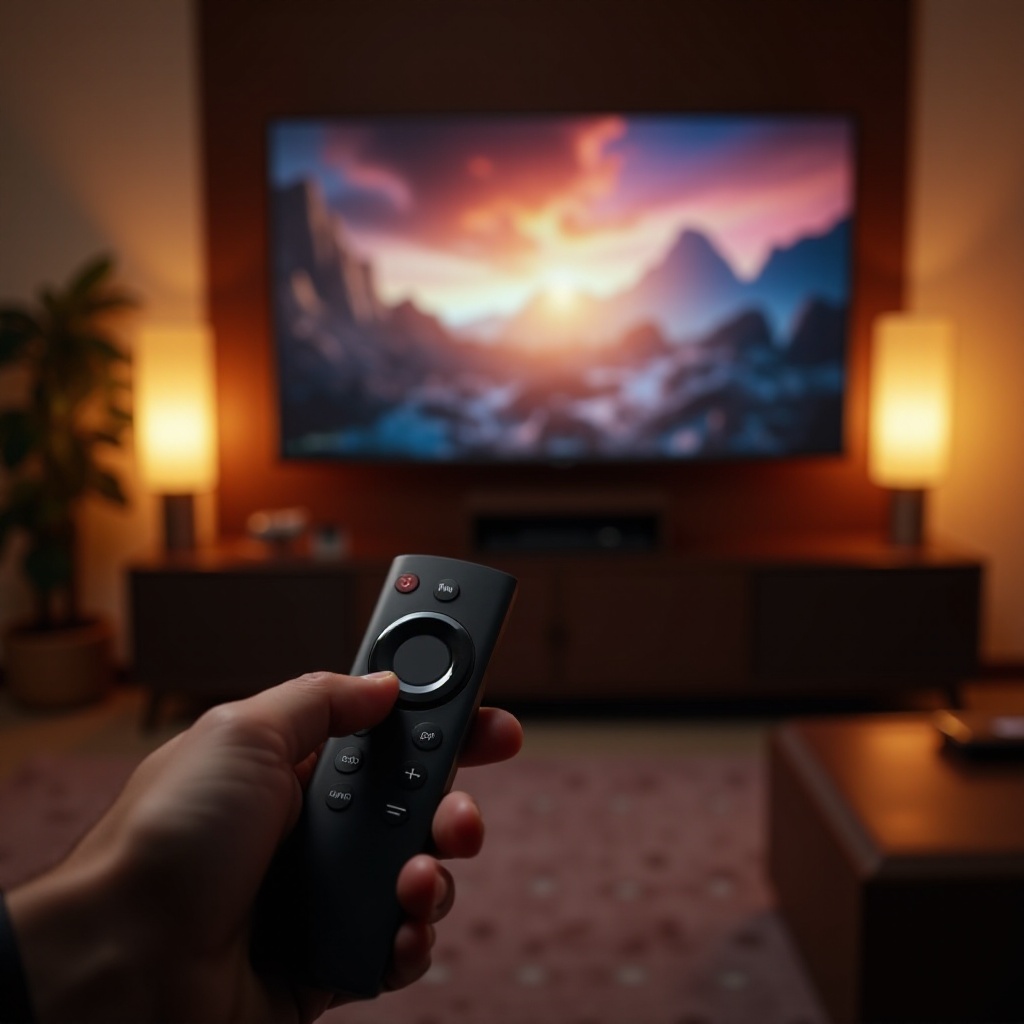
The Firestick remote is engineered to provide seamless interaction with a wide range of television brands. Its intuitive design ensures that users can easily navigate through their favorite shows and apps. Equipped with voice command functionality, the remote allows you to control your TV simply by speaking. Its volume control feature is pivotal, enabling real-time audio adjustments that are crucial for an immersive viewing experience.
The remote’s compatibility with popular TV brands further enhances its functionality, as it seamlessly integrates into most home entertainment setups. Understanding these features is vital before moving on to actual setup and maximization techniques.
Setting Up Your Firestick Remote
To set up your Firestick remote and enable its volume control feature, follow these straightforward steps:
1. Insert Batteries: Ensure the batteries are correctly placed into the remote.
2. Connect the Firestick: Plug the Firestick into your TV’s HDMI port.
3. Pair the Remote: Hold the Home button for approximately 10 seconds to begin the pairing process.
4. Configure TV Settings: Navigate to ‘Equipment Control’ in the Firestick settings to sync with your TV’s model, enabling volume control.
Should you face any setup challenges, restarting the Firestick device or resetting the remote often solves the issue, ensuring a smooth user experience.
Maximizing Volume Control Capabilities
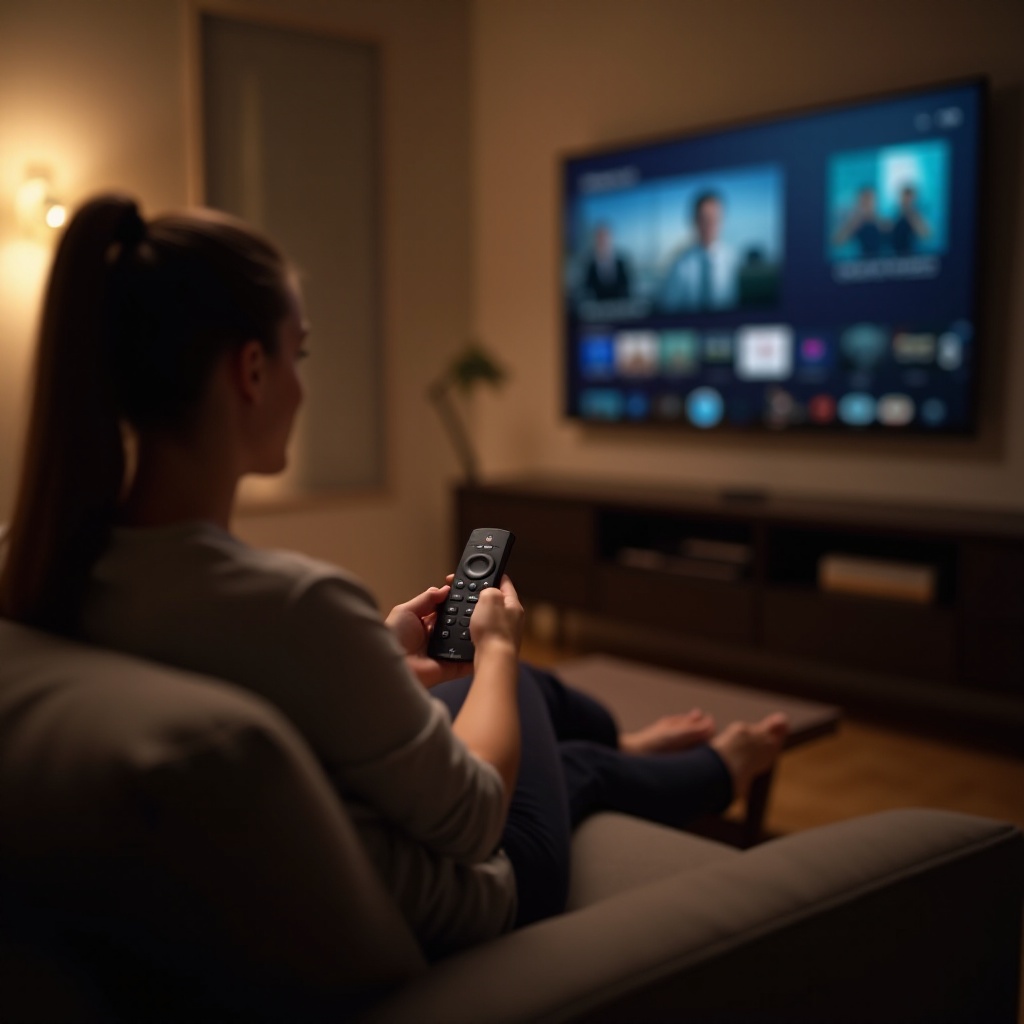
After setup, maximizing the volume control involves tailoring the settings to your specific needs and preferences. Quality sound is a cornerstone of the TV viewing experience:
– Adjust Volume Presets: Utilize the Firestick settings to modify volume presets for different scenarios, such as watching movies or listening to music.
– External Speakers: For a richer audio experience, connect your Firestick to external speakers, either through Bluetooth or direct cable connections.
By optimizing these settings, you integrate the Firestick remote more deeply into your home entertainment framework, preparing you for the next enhancement step.
Optimizing Your Home Entertainment System
Leveraging the Firestick remote goes beyond volume control. It serves as a central device for navigating various entertainment platforms like Netflix, Hulu, and more. Ensure your Firestick remote’s firmware is up-to-date, as this can unlock new features and enhance security.
An optimized system means smoother transitions between different types of media and ensures that you are making the most of your home entertainment setup. It’s also advisable to routinely check for updates in your device settings.

Maintaining Your Firestick Remote
For longevity and continuous faultless function, maintain your remote by:
– Battery Replacement: Use fresh alkaline batteries and replace them when the remote becomes unresponsive.
– Cleanliness: Regularly wipe the remote with a dry microfiber cloth to remove dust and debris.
– Proper Storage: Keep the remote in a safe, dry place when not in use to avoid damage from spills or drops.
These maintenance strategies help ensure that your Firestick remote remains in optimum condition, extending its lifespan and functionality.
Conclusion
Mastering your Firestick remote’s volume control is an investment in a better viewing experience, offering both convenience and enhanced entertainment quality. With the right setup, maximization, and maintenance strategies in place, your Firestick remote will serve as a comprehensive tool for all your television needs. Implement these insights, and transform your usual TV time into a fully immersive, enjoyable experience.
Frequently Asked Questions
How do I pair my Firestick remote with my TV?
To pair your Firestick remote, press and hold the Home button for around 10 seconds until it automatically pairs with your TV.
Can I use the Firestick remote with any TV brand?
Yes, the Firestick remote works with most TV brands as long as you set up the remote with your specific TV model in the Equipment Control settings.
What should I do if my volume control stops working?
If the volume control stops working, try replacing the batteries and ensure your TV model is correctly configured in Equipment Control. If issues persist, consider resetting the Firestick or remote.