Introduction
AirPods have revolutionized wireless audio. They’re sleek, easy to use, and provide high-quality sound. Yet, some users still encounter less-than-ideal volume levels. To unlock the best audio experience, understanding the underlying causes and applying effective solutions can make a significant difference. Let’s explore why AirPods might not be as loud as desired and how to boost their volume.
Common Reasons for Low Volume in AirPods
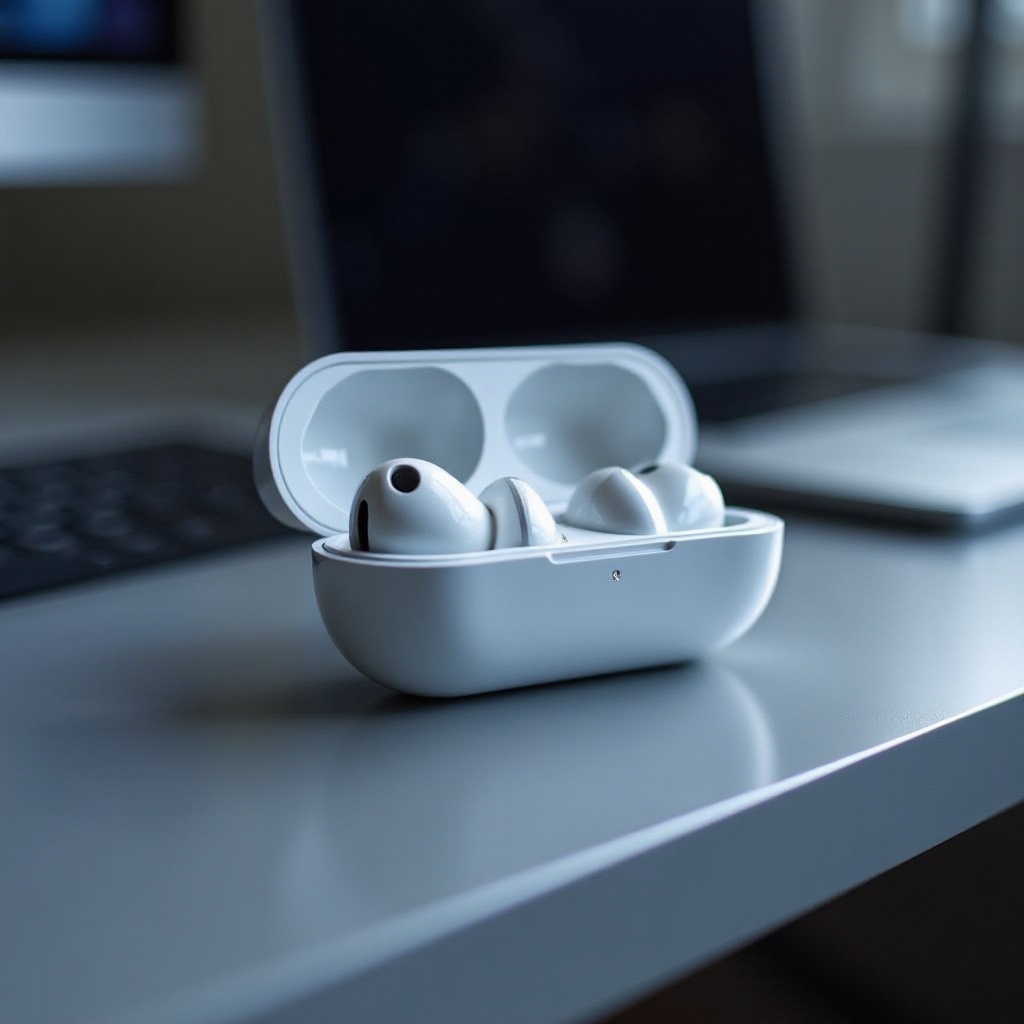
Several factors can affect AirPod volume. To troubleshoot effectively, understand these key areas.
- Device volume settings: Often, the device volume may not be as high as it appears. Ensure your volume isn’t limited by lower device settings or a silent mode.
- Bluetooth connectivity problems: Poor connectivity can impact audio output. Ensure your AirPods are properly paired and that no connectivity issues are present.
- Audio settings and software issues: Settings on your device might restrict volume. Adjust volume limits in settings and keep your device software updated to prevent glitches.
After identifying these common issues, let’s move on to some quick fixes that can improve your AirPods’ sound.
Quick Fixes to Enhance AirPods Volume
If you’re looking for immediate improvement, these quick fixes may help you enhance the sound.
- Adjust volume limits on your iPhone:
- Go to Settings > Music > Volume Limit. Ensure the slider is set to the maximum.
-
Check Sound & Haptics settings to confirm that there are no restrictions.
-
Clean your AirPods for clearer sound:
- Dust and debris can impair sound quality. Use a soft brush to clean around the speaker grills.
-
Avoid using sharp objects to protect from damage.
-
Use Siri to control volume:
- Utilize Siri by saying: ‘Hey Siri, increase the volume’. It’s a hands-free option that adjusts the volume instantly.
These solutions provide immediate relief, yet if issues persist, advanced techniques can further optimize your audio levels.
Advanced Techniques for Louder AirPods
When quick fixes aren’t enough, consider these advanced methods to maximize your AirPods’ performance.
- Calibrate your AirPods with your iPhone or iPad:
-
Play music on your AirPods, turn the volume down to zero, then slowly back to maximum. This re-syncs volume settings.
-
Adjust audio balance settings on iOS devices:
-
Navigate to Settings > Accessibility > Audio/Visual and ensure the audio balance is centered.
-
Modify equalizer settings to enrich sound:
- In Settings, go to Music > EQ, and test different presets to see which enhances your listening experience, particularly options like ‘Loudness’.
These advanced solutions can refine your listening experience, but continued performance is reliant on regular maintenance.
Maintenance Tips for Optimal Sound Quality
Regular upkeep of AirPods not only preserves sound quality but extends their lifespan, ensuring continuous enjoyment.
- Schedule regular cleanings:
-
Create a cleaning schedule using a microfiber cloth and a gentle brush to prevent sound obstruction.
-
Ensure software is up to date:
- Frequently check both iOS and AirPods updates. Keeping software current can prevent bugs and ensure peak performance.
Maintenance is key to sustaining audio enhancements. However, additional resources are sometimes needed to address specific needs.
Tools and Apps to Support Sound Enhancement
Apps and tools can further aid in achieving the desired sound enhancement but proceed with caution.
- Utilize third-party apps for volume boost:
-
Many apps purport to increase volume, but ensure they have positive reviews and are from reputable developers.
-
Evaluate potential benefits and risks:
- Some apps may push AirPods beyond their limits, possibly causing damage. Always weigh their benefits against the risks.
The right tools can provide significant sound improvement, though always with careful consideration.
Conclusion
Enhancing your AirPods’ volume involves understanding possible issues, implementing quick fixes, trying advanced techniques, maintaining your equipment, and possibly exploring supportive apps. By following this comprehensive guide, you can dramatically improve your audio experience with your AirPods and enjoy sound the way it was meant to be heard.
Frequently Asked Questions
Can I damage my AirPods by making them too loud?
Consistently high volume can reduce AirPods’ performance over time. Always monitor use to protect the device.
What should I do if none of the solutions work?
If issues persist, contact Apple Support. Persistent problems may indicate a hardware issue requiring professional repair.
Are there any apps specifically designed to boost AirPods volume?
Yes, multiple apps are available for boosting volume, but verify their credibility and safety before using them.